
Unlock Growth: How Google Ads Manager Streamlines Your Business
Why Managing Multiple Ad Campaigns Gets Complicated Fast
Google Ads Manager (officially called a Manager Account or MCC) is a free tool that lets you manage multiple Google Ads accounts from a single dashboard with one login. It’s designed for agencies, freelancers, and businesses managing more than one advertising account.
Quick Answer: What is Google Ads Manager?
- What it is: A centralized platform to control multiple Google Ads accounts
- Who needs it: Agencies, businesses with multiple brands, freelance ad specialists
- Key benefits: Single login, cross-account reporting, consolidated billing, bulk campaign management
- Cost: Free (you only pay for ad spend in individual accounts)
- Setup time: Under 10 minutes
If you’re managing ads for multiple clients or running campaigns across several business divisions, you’re probably drowning in logins and wasting hours on repetitive tasks. The same email address can technically access up to 20 Google Ads accounts, but switching between them is inefficient and error-prone.
Google Ads Manager solves this by giving you a bird’s-eye view of all your accounts. You can pause campaigns, adjust budgets, grant team access, and generate reports across dozens of accounts without logging in and out repeatedly. For agencies or businesses with subsidiary brands, it’s not just convenient—it’s essential for maintaining control as you scale.
The challenge isn’t just volume; it’s maintaining quality control while moving fast. When responsible for multiple ad budgets, you need tools that prevent mistakes and surface opportunities, ensuring nothing falls through the cracks.
I’m Megan McGuinness, and with over 20 years of marketing experience, I’ve seen how Google Ads Manager transforms campaign oversight from chaos into clarity. Let me walk you through how it works and why it matters for your growth.
What is a Google Ads Manager Account and Why You Need One
A Google Ads Manager Account (often called a My Client Center or MCC) is a powerful tool that simplifies managing multiple Google Ads accounts. It acts as a central command center, providing a single, unified interface to oversee all your campaigns. This online advertising manager saves time and effort by streamlining reporting, access control, and consolidated billing.
Who is a Google Ads Manager Account for?
The versatility of a Google Ads Manager Account means its benefits extend to anyone dealing with more than one Google Ads account:
- Digital Marketing Agencies: For us at McGuinness Media & Marketing, an MCC is non-negotiable. It allows our digital advertising experts to efficiently manage campaigns for all our clients, ensuring performance is optimized across the board. We can easily compare performance and run reports for multiple accounts at once, which is crucial for delivering top-tier service to businesses in Warwick, RI, and beyond.
- Advertisers with Multiple Accounts: If your business operates multiple brands, has different departments running separate campaigns, or manages international accounts, an MCC is your best friend. It consolidates management, making it easier to maintain brand consistency and allocate budgets.
- Freelance Ad Specialists: For independent contractors handling several clients, the MCC offers the same efficiency benefits as a larger agency without the overhead of complex internal systems.
- Businesses Managing Subsidiary Accounts: Larger corporations with various subsidiaries or franchises can use an MCC to maintain oversight while allowing individual entities some autonomy in their ad spending.
Essentially, if you log in and out of Google Ads accounts more than once a day, a Google Ads Manager Account is for you.
The Problem It Solves
Juggling multiple logins and browser tabs to manage different client accounts is a recipe for inefficiency. The Google Ads Manager Account solves these common pain points:
- Time-Saving: The most immediate benefit is the time saved. A single login and dashboard eliminate the tedious process of switching between accounts, meaning more time for strategy and optimization.
- Eliminates Multiple Logins: Instead of numerous usernames and passwords, you have one central access point for all managed accounts. This reduces errors and simplifies security.
- Simplifies Reporting: Comparing performance or generating consolidated reports is a breeze. The MCC does the heavy lifting, so you don’t have to manually stitch data together.
- Streamlines Campaign Management: From one dashboard, you can create and manage campaigns across any linked account. Pausing a campaign across multiple clients takes just a few clicks.
- Efficient Access Control: Granting and revoking access to team members or clients is straightforward. You can define specific access levels, ensuring everyone has the permissions they need.
The Google Ads Manager Account transforms a chaotic advertising landscape into an organized, efficient operation, allowing us to focus on driving results for our clients.
The Core Benefits of Using a Google Ads Manager Account
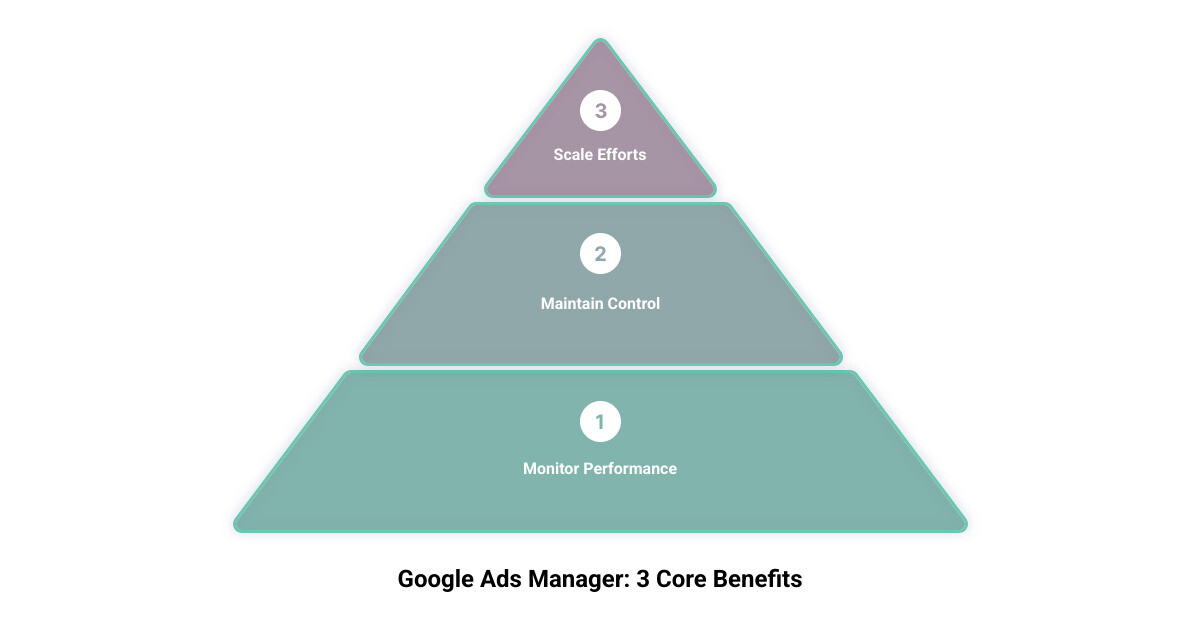
The Google Ads Manager Account isn’t just about convenience; it’s about empowerment. It provides the tools necessary to operate at scale, maintain granular control, and monitor performance with precision. As an agency invested in maximizing ROI for our clients, we understand that these three pillars—Scale, Control, and Monitor—are critical for successful media planning. You can learn more in our article on Maximizing ROI: Media Planning Tips for Small Businesses.
Scale Your Efforts with Ease
Imagine trying to manage a growing portfolio of clients without a centralized system. The Google Ads Manager Account allows us to scale our efforts effortlessly:
- Manage Campaigns Across Accounts: From a single interface, we can create, edit, and optimize campaigns across all linked accounts. This means if we identify a successful strategy, we can implement it across relevant client accounts quickly.
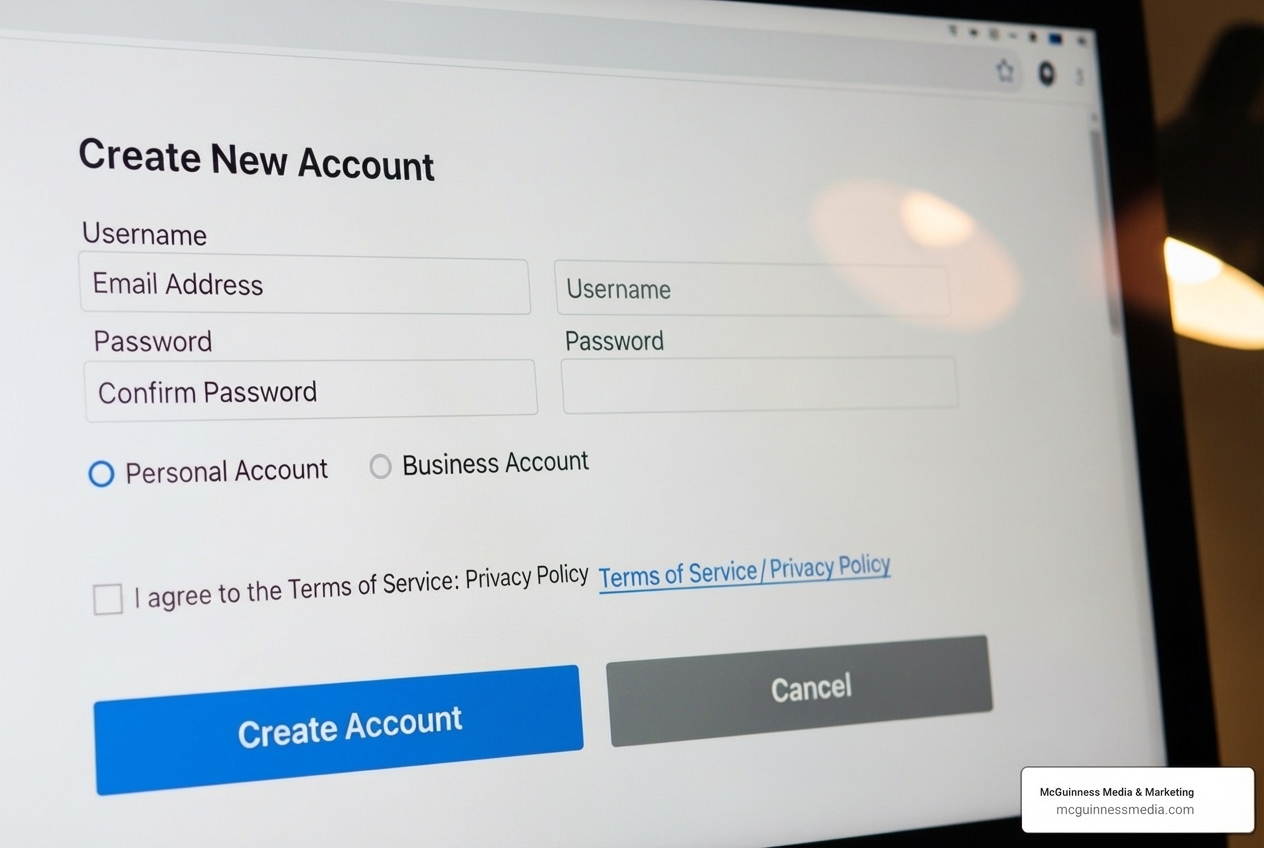
- Create New Google Ads Accounts: The MCC isn’t just for managing existing accounts; it also facilitates creating new Google Ads accounts directly within its interface. This is perfect for onboarding new clients or launching new brands.
- Bulk Edits: Need to change a bid strategy, adjust a budget, or update ad copy across several campaigns or accounts? The MCC’s bulk editing capabilities save countless hours, ensuring consistency and accuracy.
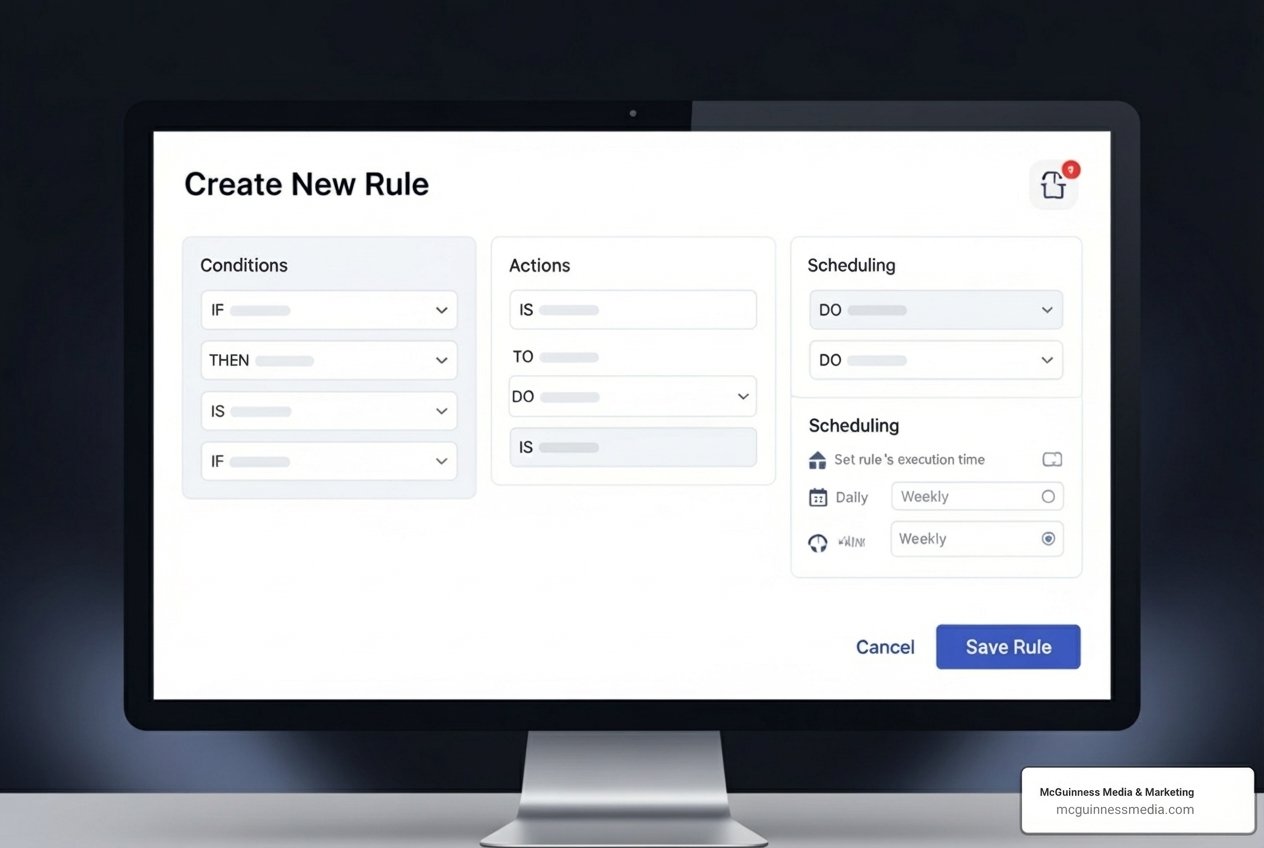
- Automated Rules: To further boost efficiency, we can set up automated rules within the MCC. These rules can perform actions like pausing low-performing ads, adjusting bids based on performance thresholds, or sending alerts for unusual activity. This proactive management helps ensure campaigns are always optimized.
Maintain Complete Control
Control is paramount when managing advertising budgets. The Google Ads Manager Account provides comprehensive tools to ensure we always have our finger on the pulse:
- Grant and Revoke User Access: We can easily invite new team members or clients to access specific accounts within our MCC. Conversely, if a team member leaves or a client relationship changes, revoking access is just as simple, maintaining security.
- Set Access Levels: Not everyone needs full administrative power. The MCC allows us to define specific access levels:
- Administrative Access: Full control over the account, including billing and user management.
- Standard Access: Can manage campaigns and settings but typically cannot alter billing or user permissions.
- Read-Only Access: Can view all campaign data and reports but cannot make any changes. This granular control ensures that tasks are delegated appropriately and sensitive information remains protected.
- Ownership Control: For agencies, the MCC maintains our ownership of the manager account, even as we link and manage client accounts. This clear distinction is vital for operational integrity.
Monitor Performance from a Single Dashboard
Effective monitoring is the backbone of successful digital advertising. The Google Ads Manager Account centralizes this function, providing a holistic view of performance:
- Cross-Account Reporting: Instead of running individual reports, we can generate consolidated reports that compare performance metrics across all linked accounts. This allows for quick identification of trends, outliers, and opportunities.
- Performance Tracking: We can track key metrics like keyword impressions, click-through rates, and conversion data across all managed accounts. The MCC’s Insights Page provides custom insights and trends, while the Recommendations Page offers suggestions to improve campaign performance.
- Conversion Tracking: Centralized conversion tracking ensures that we accurately measure the impact of our campaigns across all accounts, providing a clear picture of ROI.
- Custom Alerts: We can set up alerts for specific events, such as a budget nearing its limit or a campaign performing below expectations. These email notifications ensure we’re always aware of critical issues. The Google Ads Mobile App also allows us to monitor campaigns in real time, a great example of how technology like AI is changing marketing, as we discuss in The Rise of AI in Marketing: What It Means for Small Businesses.
Consolidated billing is another major perk, allowing us to receive a single monthly invoice for all managed accounts, simplifying financial management.
Your Step-by-Step Guide to Setup and Account Linking
Getting started with a Google Ads Manager Account is surprisingly straightforward. We’ll walk you through the process, ensuring you can quickly harness its power for your digital advertising efforts.
How to Create Your Google Ads Manager Account
Creating your Google Ads Manager Account is the first step towards streamlined management. Here’s how we typically guide our clients through it:
- Sign In: Use the Google account (email address) you want to associate with your new Google Ads Manager Account. This email will be your primary access point.
- Steer to Creation Page: Go to the Google Ads Manager Account creation page. You can often find direct links on Google Ads support pages or simply search for “create Google Ads Manager Account.”
- Click “Create a manager account”: You’ll see an option to create a new manager account.
- Enter Account Name: Choose a name for your new account. For an agency like McGuinness Media & Marketing, this would typically be our agency name. For a business, it might be the company name.
- Define Primary Use: Google will ask if you plan to manage your own Google Ads accounts or other people’s accounts. Select the option that best describes your primary use.
- Select Country, Time Zone, and Currency: Choose your country (e.g., United States for our Warwick, RI clients), preferred time zone, and the currency you’ll primarily be using for billing.
- Explore Your Account: Once created, click “Explore your account” to dive into your new Google Ads Manager dashboard.
And just like that, your central hub is ready! For more detailed instructions, Google offers an official guide: Create your manager account with Google’s official guide.
How to Link Existing Google Ads Accounts
Once your Google Ads Manager Account is set up, the next crucial step is linking your existing Google Ads accounts to it. This is where the magic of centralized management truly begins:
- Sign In to Your Manager Account: Access your newly created Google Ads Manager Account.
- Steer to Sub-account settings: In the left-hand navigation panel, look for “Accounts” and then “Sub-account settings.”
- Click the Plus Button: You’ll see a large blue plus (+) button. Click this to initiate the linking process.
- Choose “Link existing account”: From the options, select the one to link an existing Google Ads account.
- Enter Client Account ID: You’ll need the 10-digit Google Ads customer ID of the account you wish to link. This ID is usually found in the top right corner of any Google Ads account.
- Send Link Request: After entering the ID, send the link request.
- Accept Request (from the client account): The owner or an administrator of the target Google Ads account will receive a notification and must accept the link request. This is a crucial security step that ensures unauthorized access is prevented. Once accepted, the account will appear under your Google Ads Manager dashboard.
You can repeat this process for all the Google Ads accounts you wish to manage. For a comprehensive walkthrough, refer to Google’s guide on linking accounts: Learn how to link accounts from Google.
Google Ads Manager Account vs. Google Ad Manager: A Critical Distinction
Here’s where things can get a little confusing, even for seasoned marketers. The terms “Google Ads Manager Account” and “Google Ad Manager” sound similar, but they serve entirely different purposes and cater to different audiences. Understanding this distinction is vital to ensure you’re using the right tool for your needs.
Let’s break it down:
| Feature | Google Ads Manager Account (MCC) | Google Ad Manager (GAM) |
|---|---|---|
| Primary User | Advertisers, Agencies, Businesses with multiple ad accounts | Large Publishers, Website owners, App developers |
| Core Function | Manage multiple Google Ads advertising campaigns | Monetize ad inventory (websites, apps, videos) |
| Goal | Optimize ad spending, streamline campaign management, reporting, and billing for advertisers | Maximize ad revenue by selling ad space to various buyers for publishers |
| Relationship | Manages Google Ads accounts | Manages ad space on a publisher’s property, often integrating with AdSense and other ad exchanges |
| Complexity | Designed for efficient ad campaign management | Designed for complex ad serving, inventory management, and direct sales deals |
| Cost | Free tool | Generally free for standard use; paid “360” version for advanced features and dedicated support |
What is Google Ad Manager?
Google Ad Manager is an ad management platform specifically designed for large publishers who have significant direct sales. If you own a popular website, mobile app, or video platform and are looking to monetize your ad space, this is the tool for you. Ad Manager provides granular controls and supports multiple ad exchanges and networks, including AdSense, Ad Exchange, and various third-party networks.
Its purpose is to help publishers:
- Monetize Inventory: Manage and sell ad space across websites, mobile apps, videos, and games.
- Handle Direct Sales: Facilitate direct deals with advertisers, which often represent a significant revenue stream for large publishers.
- Optimize Ad Serving: Use sophisticated algorithms to choose the best ad to serve from various sources (direct deals, AdSense, other exchanges) to maximize revenue for every impression.
- Advanced Features: Google Ad Manager 360, a paid version, offers even more advanced features like Audience Solutions, Open Bidding, and dedicated Google support, catering to publishers with high impression volumes and complex needs. Most publishers use a single Google Ad Manager network to manage all their advertising.
Key Differences to Remember
The core distinction boils down to who the tool serves and what it helps them achieve:
- User Focus: The Google Ads Manager Account is for advertisers who want to run ads on Google’s network. Google Ad Manager is for publishers who want to sell ad space on their own digital properties.
- Platform Goal: The MCC helps advertisers create and manage campaigns to reach their audience. GAM helps publishers monetize their content by serving ads to their audience.
- Google Ads vs. AdSense: Google Ads is the platform where advertisers create campaigns. AdSense is a program for publishers to easily display ads on their sites. Google Ad Manager often integrates AdSense as one of many demand sources, while the Google Ads Manager Account manages the Google Ads campaigns themselves.
- Campaign Creation vs. Ad Serving: With the Google Ads Manager Account, we’re building and optimizing campaigns. With Google Ad Manager, publishers are setting up their inventory to receive and serve ads.
In short, if you’re looking to run ads for your business or clients in Warwick, RI, you need a Google Ads Manager Account. If you own a large online publication and want to sell your ad space, you need Google Ad Manager.
Best Practices for Agencies and Power Users
For agencies like McGuinness Media & Marketing and other power users, leveraging the Google Ads Manager Account effectively is about optimizing workflows, enhancing client management, and ensuring peak performance. Our Digital Marketing services are built on these principles, ensuring our clients in Rhode Island benefit from every efficiency this powerful tool offers.
Organizing and Structuring Your Accounts
A well-organized Google Ads Manager Account is a happy one. When you’re managing dozens of accounts, a clear structure prevents chaos and ensures efficiency:
- Use Labels for Grouping: This is a simple yet powerful feature. We use labels to categorize accounts by client type, industry, or internal team assignments. For example, “Retail Clients – RI” or “Service-Based Businesses.” This makes filtering and reporting a breeze.
- Create Sub-manager Accounts: For very large agencies or businesses with distinct divisions, you can create sub-manager accounts within your main MCC. This allows for hierarchical management, where different teams can manage their own set of client accounts under a broader organizational MCC.
- Consistent Naming Conventions: Establish clear and consistent naming conventions for accounts, campaigns, and ad groups. This improves readability and reduces confusion, especially when multiple team members are involved.
- Client-Specific Alerts: While the MCC offers consolidated alerts, we also set up client-specific alerts within individual accounts for critical metrics unique to their goals. This ensures no detail is missed.
Advanced Reporting and Automation
The true power of the Google Ads Manager Account shines when you dig into advanced reporting and automation. This is where we can truly maximize our clients’ ad spend and deliver exceptional results:
- Automated Performance Reports: We leverage the MCC to generate and share automated performance reports. These can be customized to include specific metrics and cross-account comparisons, providing clients with transparent insights into their campaign performance. With digital marketing campaigns, you can always see how much money you invested and what you got in return.
- Custom Dashboards: We build custom dashboards within the MCC that provide a real-time, at-a-glance overview of critical KPIs across all managed accounts. This allows for quick identification of trends and proactive decision-making.
- Scripts for Bulk Changes: For highly repetitive or complex tasks, we use Google Ads Scripts. These allow us to automate bulk changes, such as modifying bids based on weather patterns, adjusting ad schedules, or creating custom alerts that go beyond standard options.
- Cross-Account Conversion Tracking: Implementing a unified conversion tracking strategy across all linked accounts provides a consistent way to measure success. This allows for more accurate reporting and better optimization decisions across the entire portfolio.
- Leverage All Ad Types: The world of Google Ads doesn’t end with search ads. Display, video, YouTube, and shop ads are also part of the Google network. The Google Ads Manager Account allows us to manage all these diverse ad types from one place, ensuring a holistic digital marketing strategy.
Frequently Asked Questions about Google Ads Manager
We often get questions about the Google Ads Manager Account, especially from businesses new to managing multiple ad portfolios. Here are some of the most common ones we encounter:
What is the difference between a Google Ads account and a manager account?
A standard Google Ads account is designed for an individual advertiser or business to manage their own advertising campaigns. Within a single Google Ads account, you can create multiple campaigns (e.g., search campaigns, display campaigns, video campaigns) without needing to create a new account for each. It’s focused on a single entity’s advertising efforts.
A Google Ads Manager Account (MCC), on the other hand, is a “container” account. Its primary purpose is to manage multiple standard Google Ads accounts from one central dashboard. It doesn’t run ads itself; instead, it provides a unified interface for overseeing the performance, billing, and access of all the individual Google Ads accounts linked to it. This makes it ideal for agencies like McGuinness Media & Marketing or businesses with several distinct brands or subsidiaries, allowing for efficient, centralized management.
Can I use my existing email for a manager account?
Yes, you absolutely can. Google allows you to use the same email address for up to 20 Google Ads accounts. This includes individual Google Ads accounts and one Google Ads Manager Account.
However, while technically possible, we often recommend that agencies or power users consider using a dedicated email address for their Google Ads Manager Account. This helps keep notifications and access permissions organized, especially if your personal email is already tied to many other services. It creates a clearer separation between your personal Google activity and your professional ad management responsibilities.
Is there a cost to use a Google Ads Manager Account?
No, the Google Ads Manager Account itself is a completely free tool provided by Google. There are no setup fees, monthly charges, or hidden costs associated with using the MCC platform.
You are only charged for the actual ad spend within the individual Google Ads accounts that you manage and link to your Google Ads Manager Account. The MCC simply provides the management interface; the advertising costs are incurred at the individual account level, just as they would be if you managed each account separately. This makes it an incredibly cost-effective solution for streamlining your advertising operations.
Conclusion: Take Control of Your Ad Strategy
In today’s digital landscape, managing multiple advertising campaigns can quickly become overwhelming. From juggling logins to compiling disparate reports, the complexities can hinder growth and drain valuable resources. This is precisely why the Google Ads Manager Account is not just a convenience but a strategic imperative for agencies and businesses alike.
By providing a single login and a centralized dashboard, the Google Ads Manager Account revolutionizes how we manage digital advertising. It empowers us to scale our efforts with ease through bulk edits and automated rules, maintain complete control over access and budgets, and monitor performance across all accounts with unparalleled precision. This centralized management saves invaluable time, streamlines reporting, and facilitates consolidated billing, allowing us to focus on what truly matters: delivering measurable results.
For businesses in Warwick, RI, and throughout Rhode Island, leveraging a Google Ads Manager Account means open uping a new level of efficiency and control over your advertising investments. It ensures that every dollar spent is optimized, every campaign is monitored, and every opportunity for growth is seized.
Ready to transform your advertising management from chaos to clarity? Let McGuinness Media & Marketing, your trusted partner in Rhode Island, guide you. We specialize in expert ad management that drives real business growth.
Take your campaigns to the next level with our Digital Marketing services